Executive Summary
Scope: This is our post-purchase dispute playbook for gray-market game product keys-not shared accounts, not VPN circumvention, and not pre-purchase safety checks. For activation-time error meanings, see Game Key Activation Errors. For why publishers revoke keys months after activation (chargeback waves, SubID mechanics), see Publisher Key Revocation Audit-this page covers how to dispute, not upstream fraud anatomy. For DLC or season pass mislabeled as full games, see DLC Key Activation Guide. For pre-purchase vetting, see Buyer Safety Guide. Wallet codes follow different dispute paths: Gaming Gift Card Audit. Methodology context: Audit Methodology.
You bought a key. It failed, was already used, or the game vanished from your library. Marketplace buyer protection exists, but only if you file within the dispute window with the right evidence. This playbook maps what to capture, when to escalate, and how each major marketplace handles game key disputes in 2026.
LicenseAudit is independent research. We do not sell keys and are not affiliated with Valve, Sony, Microsoft, or Nintendo. This guide is educational, not legal advice or official platform support.
Dispute Decision Tree
Identify your failure type first. Each branch requires different proof and has different refund odds.
| Failure Type | What It Means | Priority Evidence | Dispute Viable? |
|---|---|---|---|
| Already redeemed / used | Another account activated the code before you | Error screenshot, order timestamp, listing “new key” claim | High |
| Wrong region / territory | Key region does not match your account country | Listing region tag, account settings screenshot, error message | High if listing mislabeled |
| Invalid / blocked code | Platform rejects format or flags key as non-genuine | Full code entry attempt on video or multi-screenshot sequence | High |
| Revoked after activation | Game worked, then removed from library (often months later - Revocation Audit) | Before/after library shots, platform notice email, purchase date | Moderate-depends on escrow timing |
| Wrong product / DLC without base | Listing title did not match delivered SKU (often DLC sold as full game) | Listing screenshot, delivered code type, store product page, requires ownership error | High |
| Typo / user error | Incorrect character entry (O vs 0) | Retry log; only dispute after confirmed correct entry | Low until ruled out |
Still diagnosing the error message? Use our Activation Errors Guide first. If Steam shows requires ownership of another product, see the DLC Key Activation Guide for dependency documentation, then return here to file the dispute.
Evidence Pack Template
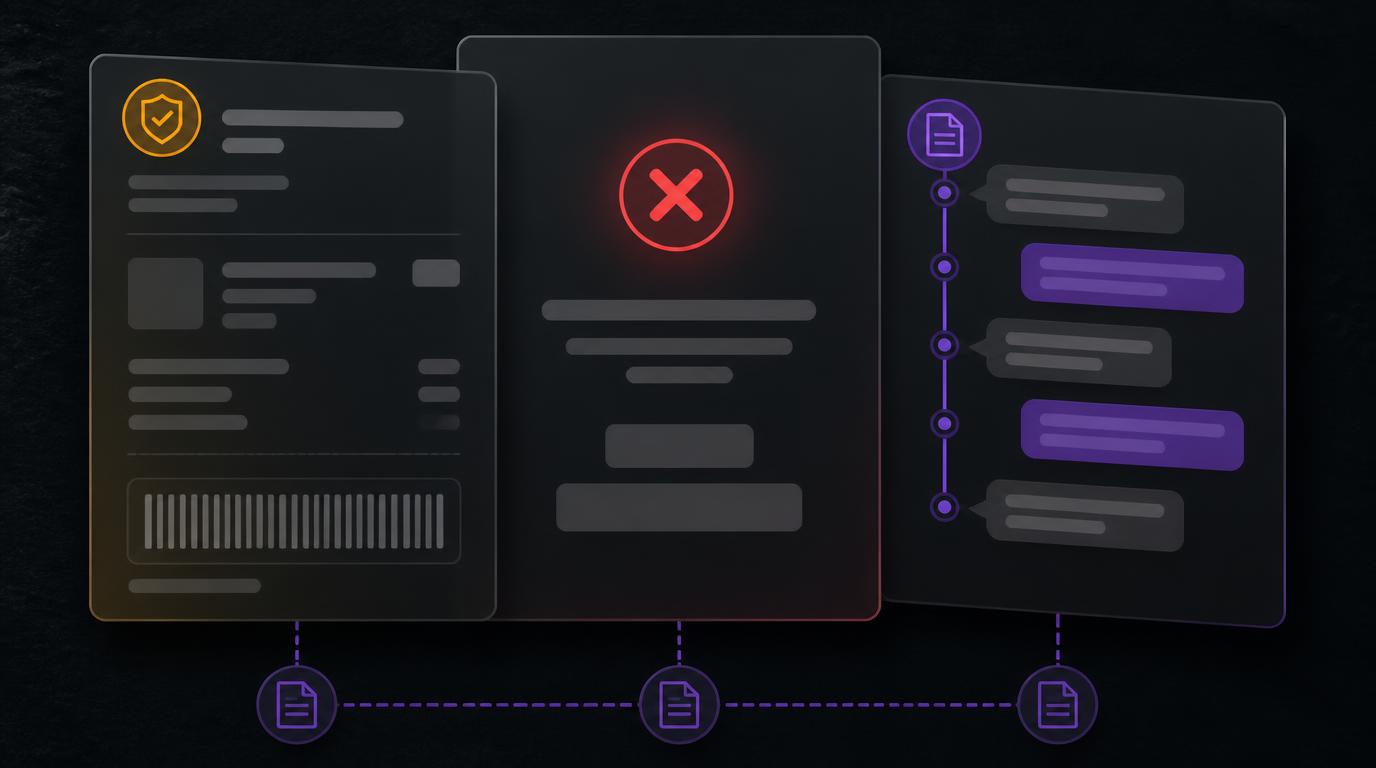
Marketplace arbitrators approve or deny cases based on documentation quality. Assemble this pack before opening the ticket.
Minimum Evidence Checklist
- Order proof: Marketplace order ID, invoice PDF, payment confirmation, delivery timestamp.
- Listing archive: Screenshot of the product page showing region tag, seller name, and “new/unused” claims at time of purchase.
- Activation failure: Full-screen screenshot of the exact platform error (Steam, PSN, Xbox, Nintendo)-include visible date/time if possible.
- Account context: Screenshot of your account region/country settings on the same platform.
- Communication log: All seller chat within the marketplace; do not move to Discord or email for refunds.
- Revocation proof (if applicable): Library screenshot while game was installed, plus email or client notice of removal.
Audit principle: Screenshots beat narratives. Capture errors at first attempt-waiting weakens your timeline argument inside escrow windows.
Marketplace Dispute Matrix (2026)
Each platform handles game key disputes differently. Full reviews: Difmark · G2A · Eneba · Kinguin · SCDKey. Landscape overview: Marketplace Landscape 2026.
| Marketplace | Typical Dispute Window | Accepted Proof | Escalation Path |
|---|---|---|---|
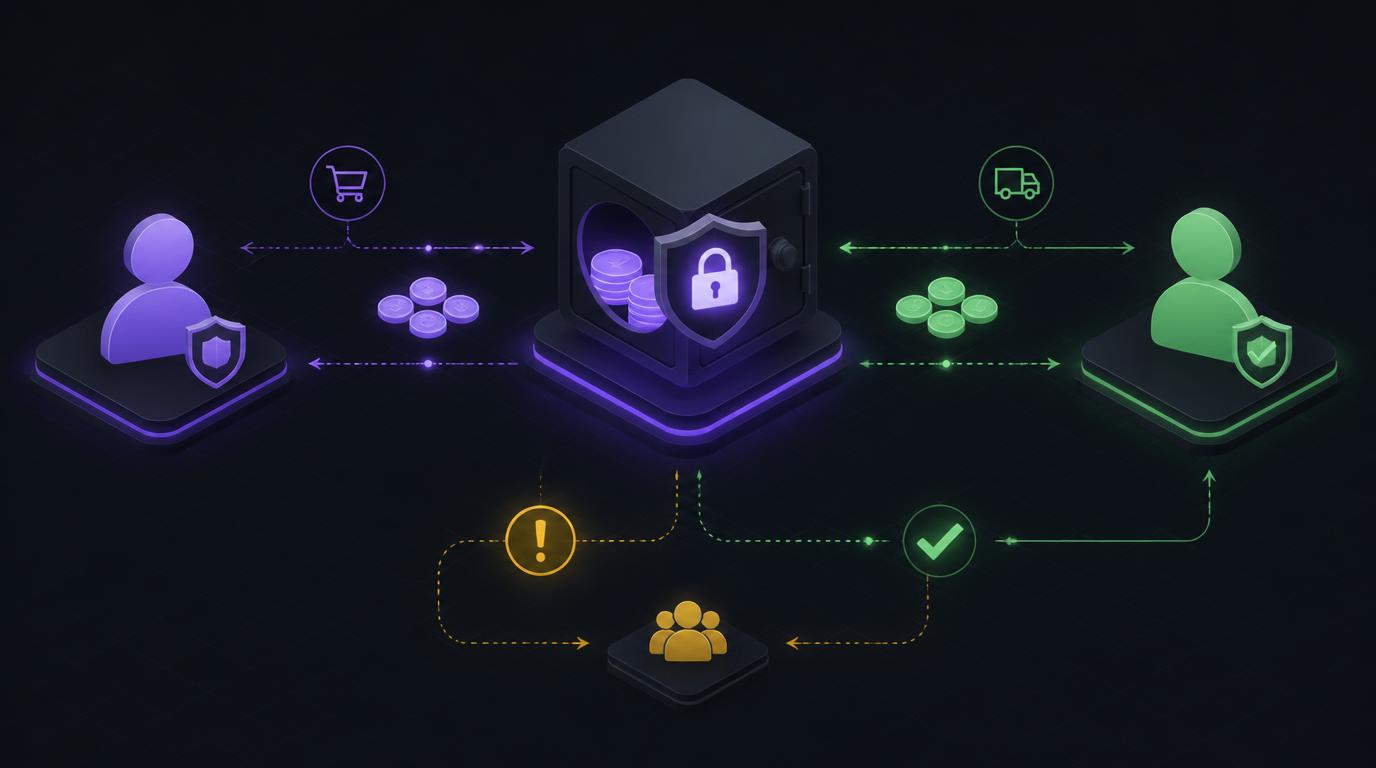
| Difmark | Escrow hold until buyer confirms or window expires | Activation error screenshots, listing mismatch proof | In - ticket message → mediation team |
| G2A | Money-back guarantee window (varies by listing tier) | Error captures, order ID; video proof sometimes requested | G2A Shield claim → seller response → G2A decision |
| Eneba | Limited post-delivery window; activate promptly | Platform error screenshots, account region proof | Order page dispute button → support review |
| Kinguin | Buyer protection period tied to order status | Activation failure evidence, listing screenshots | Kinguin dispute form → seller counter → arbitration |
| SCDKey | Short verification window; immediate activation advised | Error screenshots, order confirmation | Support ticket with order number |
Windows vary by listing type and seller tier. Always read the current terms on the order page - reviews summarize patterns, not live policy text.
Platform-Specific Dispute Notes
Steam
Valve does not restore gray-market keys revoked for chargebacks or fraud sweeps. Steam Support will not refund third-party purchases. Your entire refund path runs through the marketplace. For region disputes, compare listing tags against your account country - Steam Region Lock Guide.
PlayStation (PSN)
Territory errors produce explicit country-mismatch messages. Archive the listing’s region claim alongside your PSN account settings. Sony does not arbitrate marketplace purchases. Context: PlayStation Region Lock Guide.
Xbox
Redeem failures at redeem.microsoft.com should be captured full-screen. Confirm the SKU is Xbox-compatible, not PC-only or subscription mislabeled. See Xbox Region Lock Guide.
Nintendo eShop
Single-use codes with strict territory binding. Error 015-5034 and country mismatch messages are strong dispute evidence when the listing claimed compatibility. See Nintendo eShop Region Lock Guide.
Game Keys vs. Gift Cards
Dispute mechanics differ. A game key fails at activation - evidence is the error screen. A wallet gift card may redeem successfully then reverse when fraud is detected upstream. Do not mix dispute templates. Full wallet audit: Gaming Gift Card Audit.
Chargeback: Last Resort Only
Credit card chargebacks can recover funds when marketplace dispute fails - they carry risks. Some platforms restrict accounts associated with chargeback patterns. Chargebacks also hurt sellers who may have acted in good faith on thin margins.
- Exhaust marketplace dispute and escalation first
- Save marketplace case IDs and correspondence
- File within your card issuer’s dispute timeframe
- Describe the product as “digital game key-non-functional” with evidence attached
Pre-purchase risk reduction remains cheaper than post-purchase recovery. See Buyer Safety Guide.
Step-by-Step Dispute Workflow
- Stop retrying: Repeated failed activations do not help - can look like abuse to some sellers.
- Capture evidence immediately: Error screen, account region, listing archive.
- Open marketplace dispute: Use the official order-page button, not seller DMs.
- Attach the evidence pack: Order ID, screenshots, timestamps.
- Respond within SLA: Marketplaces auto-close inactive tickets.
- Escalate if denied: Request senior review with additional proof; cite listing misrepresentation.
- Document outcome: Note seller ID and failure pattern for future purchases.
Frequently Asked Questions
Dispute windows vary by marketplace - 7 to 30 days from delivery or first activation attempt. Open the case as soon as you capture the error screenshot; waiting until the escrow period expires removes buyer protection leverage.
Minimum evidence pack: marketplace order ID and invoice, listing screenshot showing region tag and seller name, activation error screenshot with timestamp, account region settings, and any seller chat logs. For revocations, add library screenshots from before and after removal.
Valve does not restore third-party keys revoked for chargebacks or fraud. Your refund path is the marketplace where you purchased, provided you act inside the dispute window with documentation. Steam support will not refund secondary buyers of gray-market keys.
A seller test activation does not prove the key was unused when delivered to you. Already-redeemed errors mean another account consumed the code first. Escalate to marketplace arbitration with your error screenshot and order timestamp-do not accept off-platform refunds.
Chargebacks are a last resort after marketplace dispute exhaustion. They can trigger account restrictions on some platforms and may not succeed if the marketplace shows delivery confirmation. Document marketplace case IDs before contacting your bank.
Yes, if the listing misrepresented product type. Screenshot the headline claiming a full game, capture the requires ownership of another product error, and file within the escrow window. See our DLC Key Activation Guide for how to document parent-app dependency failures.
Related cluster: Game Keys Audit · Activation Errors · Revocation Audit · DLC Key Guide · Gift Card Audit · Safety Guide · Regional Restrictions.